The to-do app with a daily review built in
Every list app is good at adding. Plan Forward asks the other question: how did today actually go? Plan in the morning, review in the evening, see the week on Sunday.
A loop, not a list
Three moments a day, each about two minutes. The app prompts you; you don't have to remember to open it.
Plan the morning
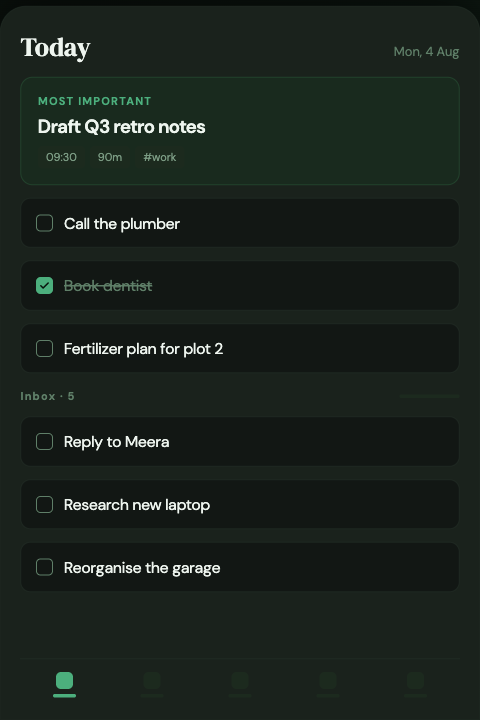
Clear the inbox, choose what today is really for, and mark one most-important task. Not everything. Today.
Review the evening
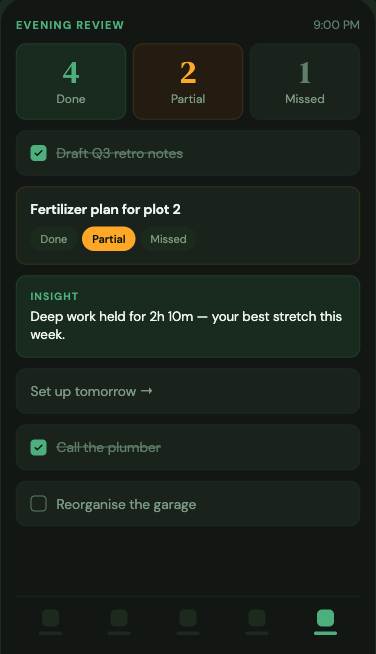
Done, partial, missed. Partial is the useful one — most days are a thing you started, not a win or a failure.
Read the week
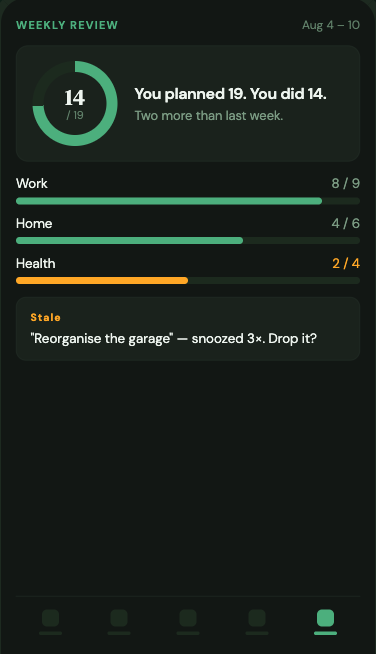
On Sunday, the week by category: what you finished, what kept slipping, what has gone stale and should be dropped.
Seven screens, one habit
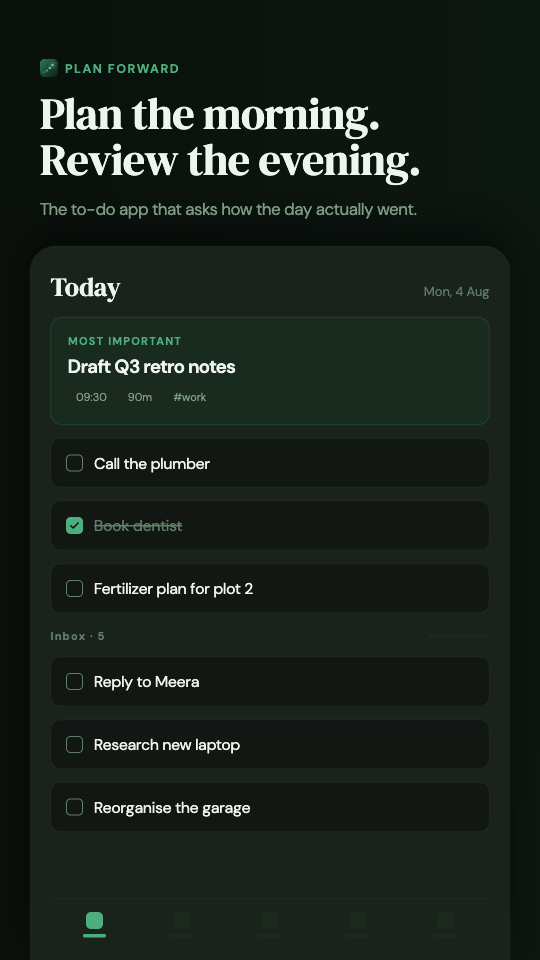 Today — one most-important task, then the list
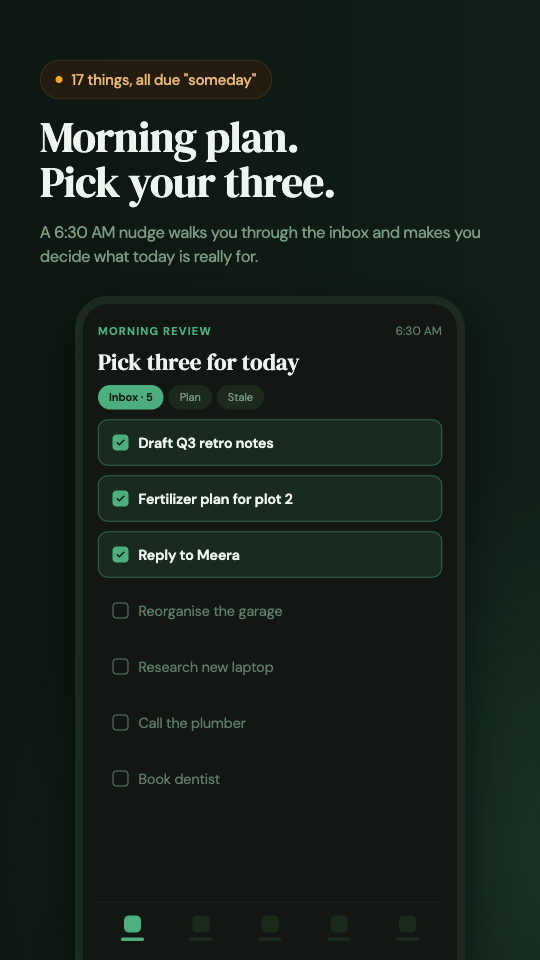 Morning plan — pick your three from the inbox
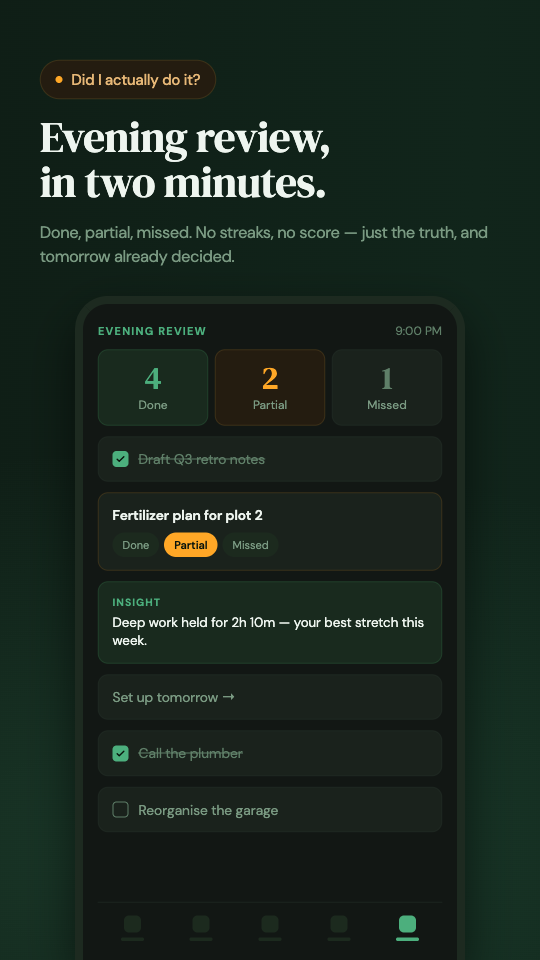 Evening review — done, partial, missed
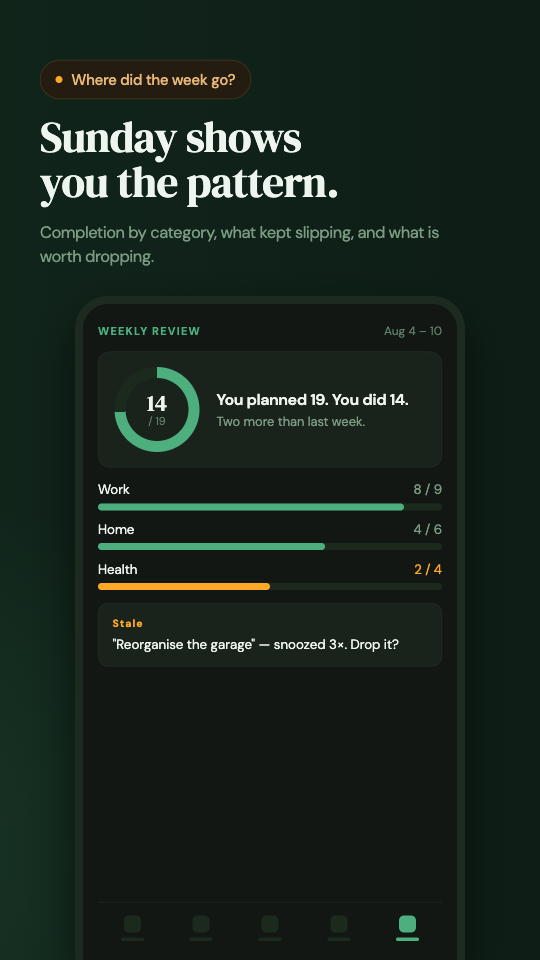 Weekly review — the week by category
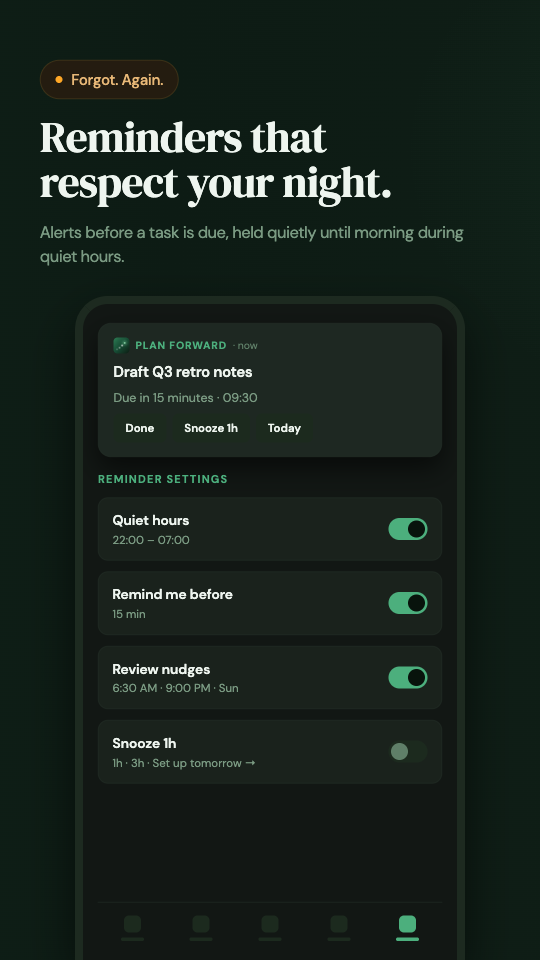 Review reminders — morning, evening and weekly
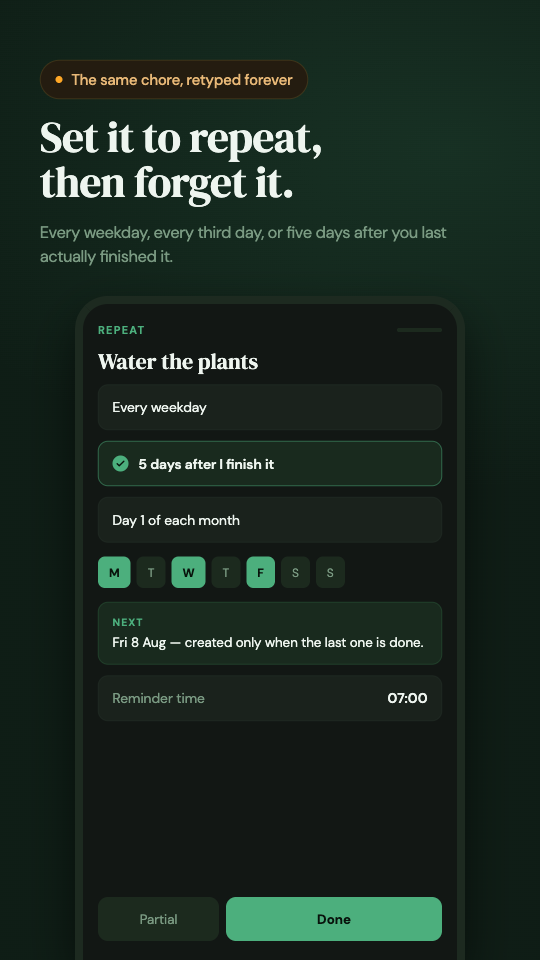 Recurring tasks — four kinds of repeat
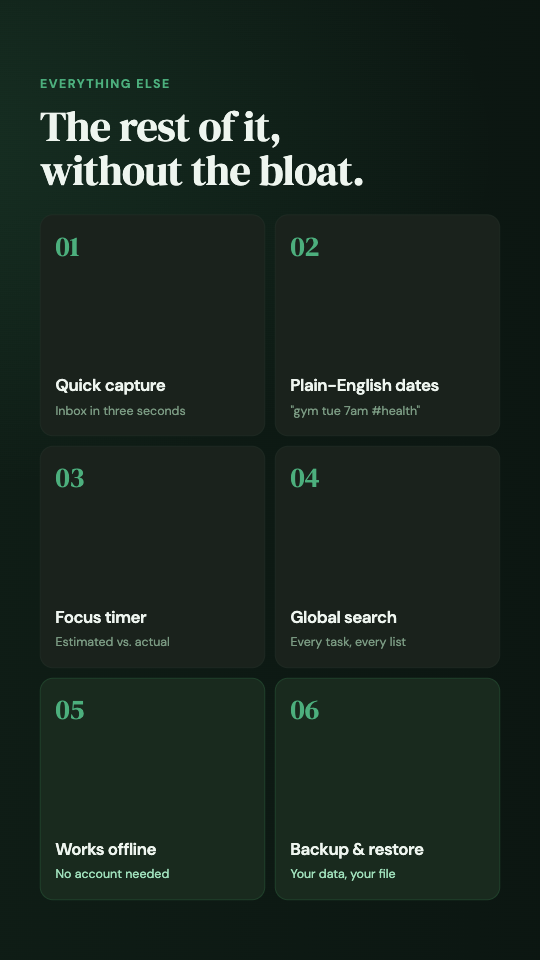 Everything else — schedule, effort tracking, backup
Everything else exists to feed the loop
Plain-language capture
Type or speak "call Sarah tomorrow at 3" and the date, time, tag and priority are filled in for you.
Reminders that fire
Task alarms and review nudges survive a reboot and open straight into the right screen.
Four kinds of repeat
Fixed interval, chosen weekdays, monthly day, or a set gap after you actually complete it.
Estimated vs actual time
A built-in timer records what a task really took, so next week's plan is based on evidence.
Stale-task flagging
Anything snoozed three times or more gets flagged, so the list can't quietly turn into a graveyard.
Local-first, offline
Tasks live in a database on your phone. No account, no sync, and a JSON backup you own.
Where other to-do apps stop
A typical to-do app
Plan Forward
Your task list is an unusually honest diary
So it stays on your device. Plan Forward never collects your name, email, location or the content of your tasks. Anonymous crash and usage signals are all we see, and you can ask for those to be deleted.
Read the privacy policy →Questions people ask
What makes Plan Forward different from other to-do apps?
Most to-do apps stop at capture. Plan Forward adds the other half of the loop: a morning prompt to pick what you are actually taking on, an evening review where each task is marked done, partial or missed, and a weekly summary by category.
Does it work offline?
Yes. Everything is stored locally on your device. The app works with no connection and no account, and you can export a JSON backup at any time.
Is it free?
Yes, free on Google Play. No ads and nothing to subscribe to.
Do I need an account?
No sign-up, no email, no password. Your tasks never leave your phone unless you export a backup yourself.
Is there an iPhone or web version?
Not yet. Plan Forward is Android only for now. iOS and web are on the roadmap but not scheduled.
Which languages are supported?
The app and this site are available in English, Hindi, Malayalam, Arabic, Spanish, French, German, Portuguese and Indonesian.
On the roadmap
Version 0.4 is on Play now. These are next, in roughly this order.
On planning, reviewing and letting things go
How to run a daily review in two minutes
The three questions, why "partial" matters, and what to do with the tasks you keep skipping.
CAPTUREWhy capturing and deciding should never happen at once
An inbox is not laziness. It is the reason your list survives a busy week.
PRIVACYThe case for an offline to-do app in 2026
What you give up without sync, what you get back, and how to not lose your data.
Plan tomorrow before tonight ends
Free on Android. Works offline. Nothing to sign into, and two minutes a night is the whole commitment.
Get it on Google Play